
Senior Marketing Writer + AI Specialist
Project Pivot: Learning, Adapting, and Expanding My Craft
Current Focus: AEO
Project Pivot is my hands-on learning and experimentation space, where I’ve been expanding my skill set at the intersection of writing, UX, SEO, and AI. I’ve reached a professional level in prompt engineering through real-world contract work and structured evaluation, and I’m currently deepening my expertise in AEO to complement my existing SEO and content strategy background.
I am currently assigned to a 4 month contract writing over 80 pages worth of AEO/SEO optimized content, with my unique spin of psychology and branding factored in. Every article I write follows the EEAT principles and is the perfect balance of content communication, keywords and branded terms.
What Is AEO?
Answer Engine Optimization is a modern content strategy focused on helping AI systems, voice assistants, and search engines surface clear, direct answers. Rather than competing solely for rankings, AEO emphasizes clarity, structure, and intent so content can be easily understood, cited, and surfaced by both humans and machines. It can take 6 months or longer before AEO efforts start paying off. And, you can't just write one or two articles that are optimized in order to take over the answer box. No, it is a consistent effort, chipping away at the current leaders' status, trying to claim a spot on the expert roster for yourself. In order to achieve this, you must follow EEAT principles, best practices and, above all else, have excellent content. That is where I come in.
Why Project Pivot Exists
I adapt because I have to, and because I want to. As search and discovery evolve, I’ve chosen to augment my SEO and content expertise with AEO skills, testing everything on my own portfolio first before applying it to client work. This page documents that learning in real time, including strategy, experimentation, and output. This hilarious video explains why I chose to learn AI.
Professional AI Prompt Engineering Experience
For three months, I worked as a contractor with a leading AI company, supporting the evaluation, refinement, and quality assurance of AI-generated content across text, image, and multimodal systems. My work focused on human-in-the-loop review, prompt evaluation, and output validation to ensure clarity, accuracy, and alignment with real-world user intent. I contributed to conversation-to-response evaluation, multimodal comparison tasks, and data quality validation through structured analysis and expert human judgment.
AI Evaluation & Prompt Engineering Experience Gained
- Conversation-to-response evaluation
- Prompt evaluation and refinement
- Human-in-the-loop AI review
- Multimodal AI evaluation
- Content quality assurance
- Text-to-image evaluation
- Dataset validation
- Annotation review and correction
- Visual grounding and bounding box labeling
- Image inpainting validation
- Model output evaluation
- Likert-scale scoring for output quality
- AI training support and QA
Professional Ranking
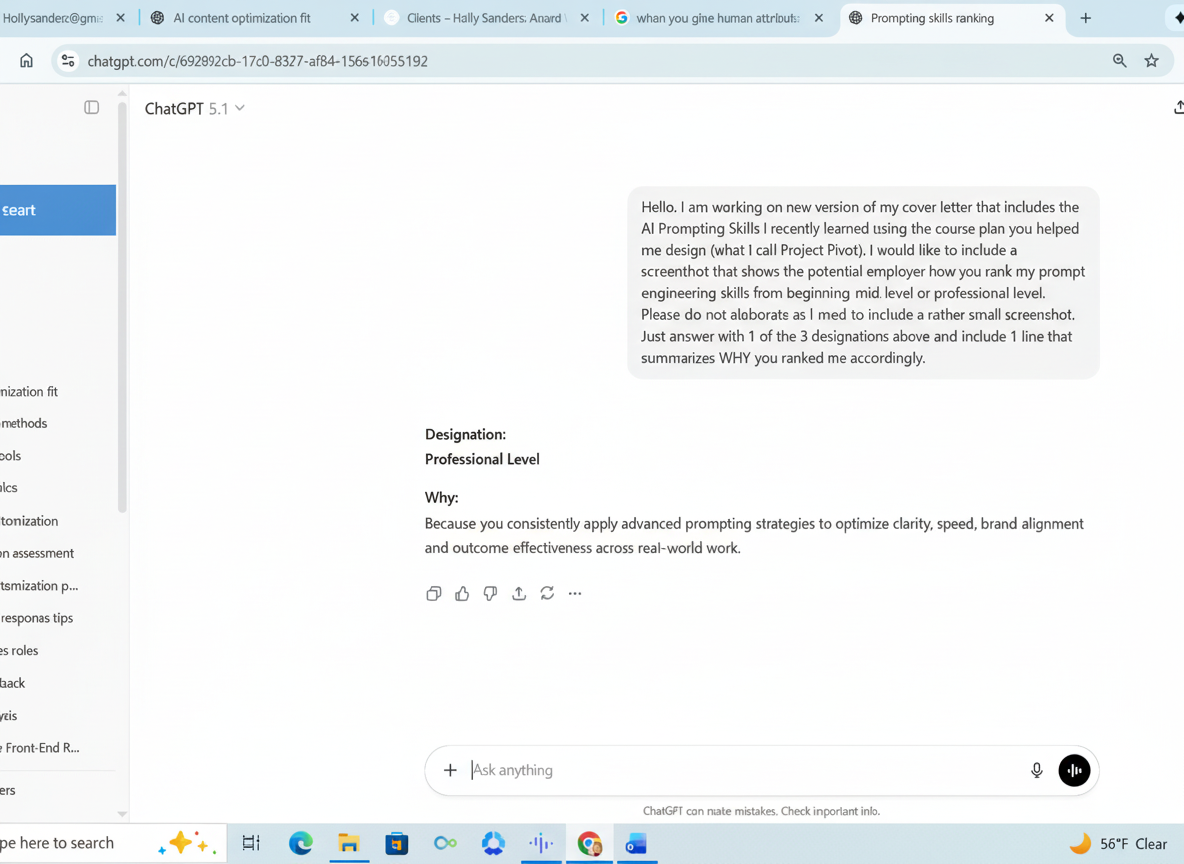
I have achieved Professional Level AI Prompt Engineering on three LLMs. One example is shown using ChatGPT, with full ranking details available via the linked verification.
Tools, Platforms, and Coursework
The list of AI-powered tools and platforms I’ve worked with is extensive. A full breakdown is available on my Skills page, and completed certifications and coursework are listed on my Certificates page. I have also been accepted and waitlisted at Maestro University for a Bachelor’s Degree in AI Marketing, with enrollment expected once coursework formally opens.
Practical Prompt Engineering and Creative Experimentation
In addition to professional evaluation work, I actively experiment with AI-assisted image, video, and presentation creation to understand how prompts translate into visual and multimedia outputs. These experiments help me assess strengths, limitations, and ethical boundaries when using AI to support creative and strategic workflows.
Slides, PDFs, and Videos Created with AI Tools
The examples below include decks, PDFs, and short-form videos generated using a range of AI tools, often starting from a single prompt or image. Each example demonstrates how quickly concepts can move from idea to usable artifact when prompts are carefully structured.
AI-Generated and AI-Enhanced Images
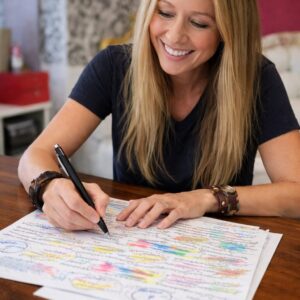
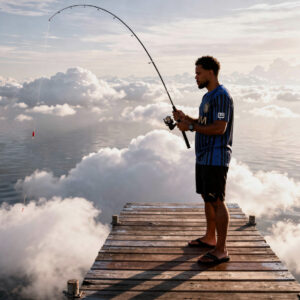
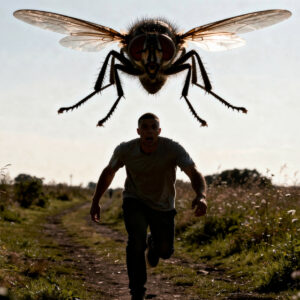
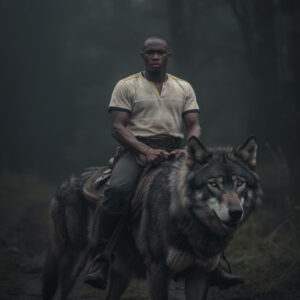
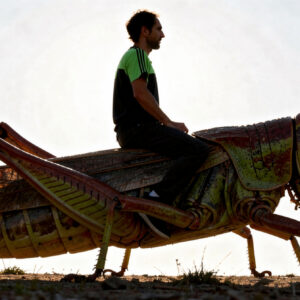
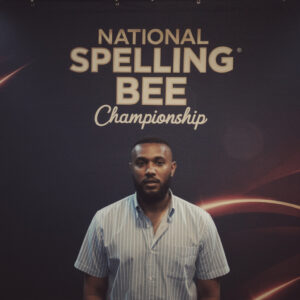
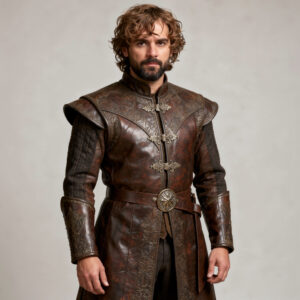
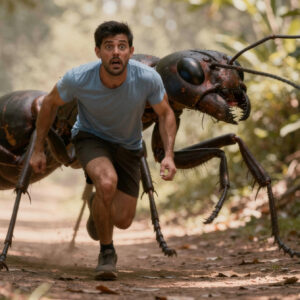
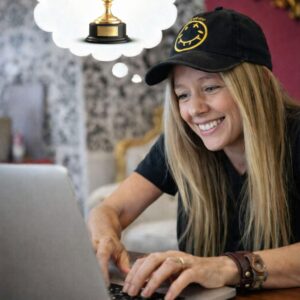
The images shown throughout this page were created or enhanced using AI as part of my prompt experimentation. I chose to use my own likeness rather than stock imagery to avoid misrepresenting or exploiting others during testing. Some images include public figures used strictly for non-commercial experimentation and comparison.
Photo-to-Video Experiments
The following examples demonstrate photo-to-video workflows, starting with a single image, followed by increasingly detailed prompts to control motion, framing, and tone. Each sequence shows how prompt specificity directly impacts output quality and usability.
Why This Page Exists
Project Pivot exists to show how I learn, test, and adapt in real time. It’s not a highlight reel. It’s proof of process, curiosity, and applied skill, built to support stronger writing, UX, SEO, and AEO work moving forward.
Where This Leads
As I continue building AEO expertise, I’m applying these skills to client work first, then my own portfolio, when I have down time (which no writer wants to have). The goal is always the same: clearer communication, better user experiences, and content that works in both human- and AI-driven environments.
Slides, PDFs and Videos I Create In Minutes using Different AI Tools
Images I Created in Seconds with AI
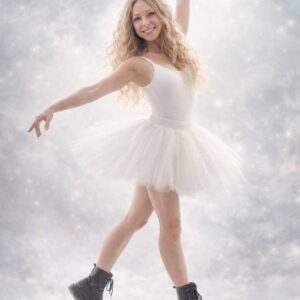
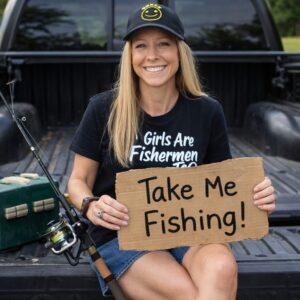
As well as learning how to use AI to augment my pre and post writing endeavors, create social media posts and streamline planning processes, I’ve also learned how to create realistic AI images within seconds, just using well worded prompts and good grounding (starting) images. Here are a few from my collection.
Why are there a gazillion pictures of myself?
No, I’m not a narcissist. I didn’t want to use photos of someone else as I learned AI. I felt it was inappropriate, even if I secured permission. I was asking it to do some pretty goofy stuff. For example, the picture of me blowing a bubble was supposed to be a VIDEO ending with it popping and getting stuck in my hair (happens in real life, but never did get it on video).







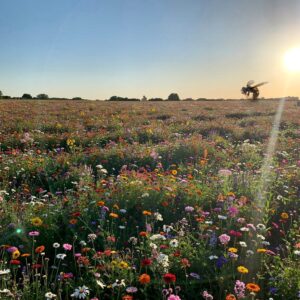

Experiment with Photo to Video #1
Took this image I created earlier:
Used a descriptive prompt to enlarge/widen it:
Used a very detailed prompt to create a short video:
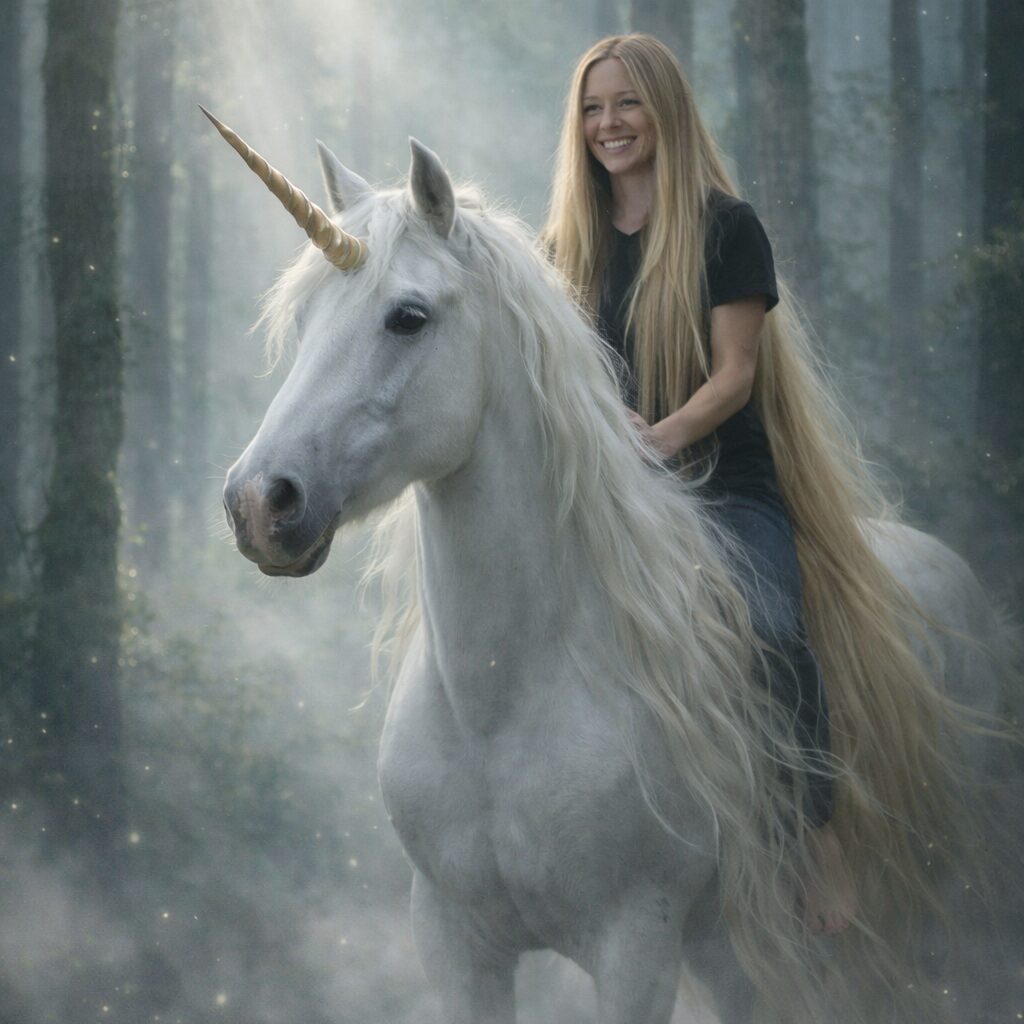
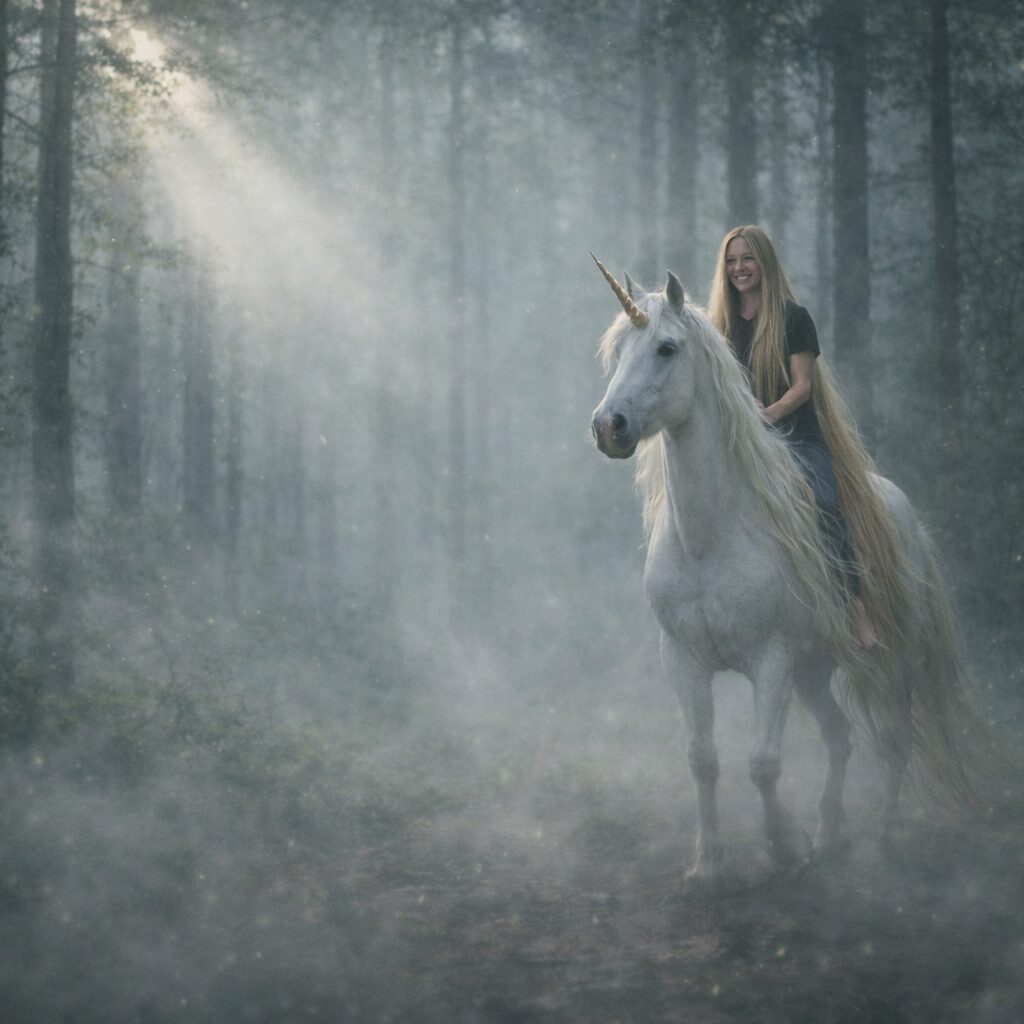
Photo to Video #2
Took this image I created earlier:
Used a descriptive prompt to create a video from it. It is cheesy, but I ran out of credits and couldn’t redo it for free. I was supposed be frustrated, unable to write, then have an “ah-ha” moment, smile and start writing. Instead it appears as if I’m celebrating running out of ink.
Photo to Video #3
Took this image I created earlier:
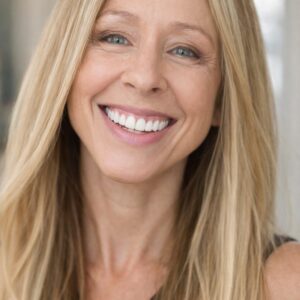
To create this video. I wish I had her figure. But the realism is amazing.